




There are three ways to access Office 365 when you are not at work:
- Download and install Office 365 on your home computer or device. Go to https://www.office.com and sign in with your court email address and password to install the programs on your computer or download the app on our device.
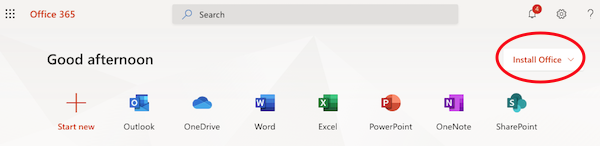
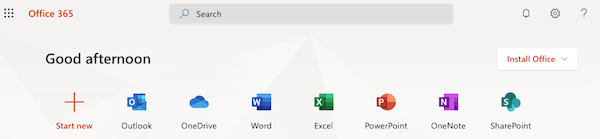
- Use the online version of Office 365 through a web browser (like Chrome or Safari) on a computer or device. Sign In with your email address and password at https://portal.office.com.
- Log onto VPN to log onto your court computer from a remote location to use Office 365.
Note: If you are logging into your work computer through VPN to check your email in Outlook and the connection seems uneven, consider downloading Office 365 or using the online version of Office on your home computer, or download the Outlook app to your phone or device. The network lag will be less noticeable.